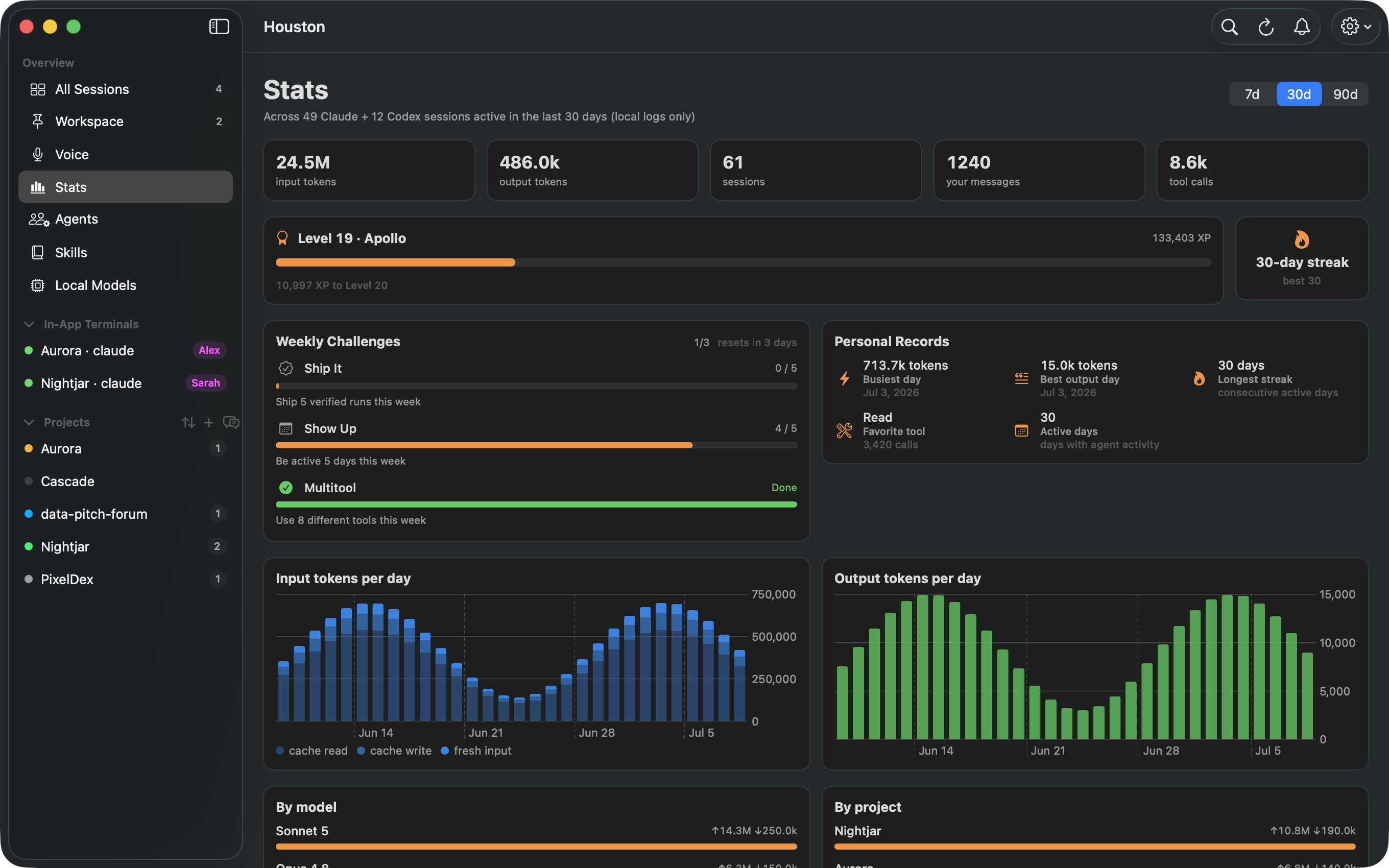
Stats
A usage dashboard computed from your local agent logs: tokens, sessions, streaks, and records.
Houston is a native macOS dashboard for your Claude Code and Codex sessions. No Electron, no daemons, no cloud.
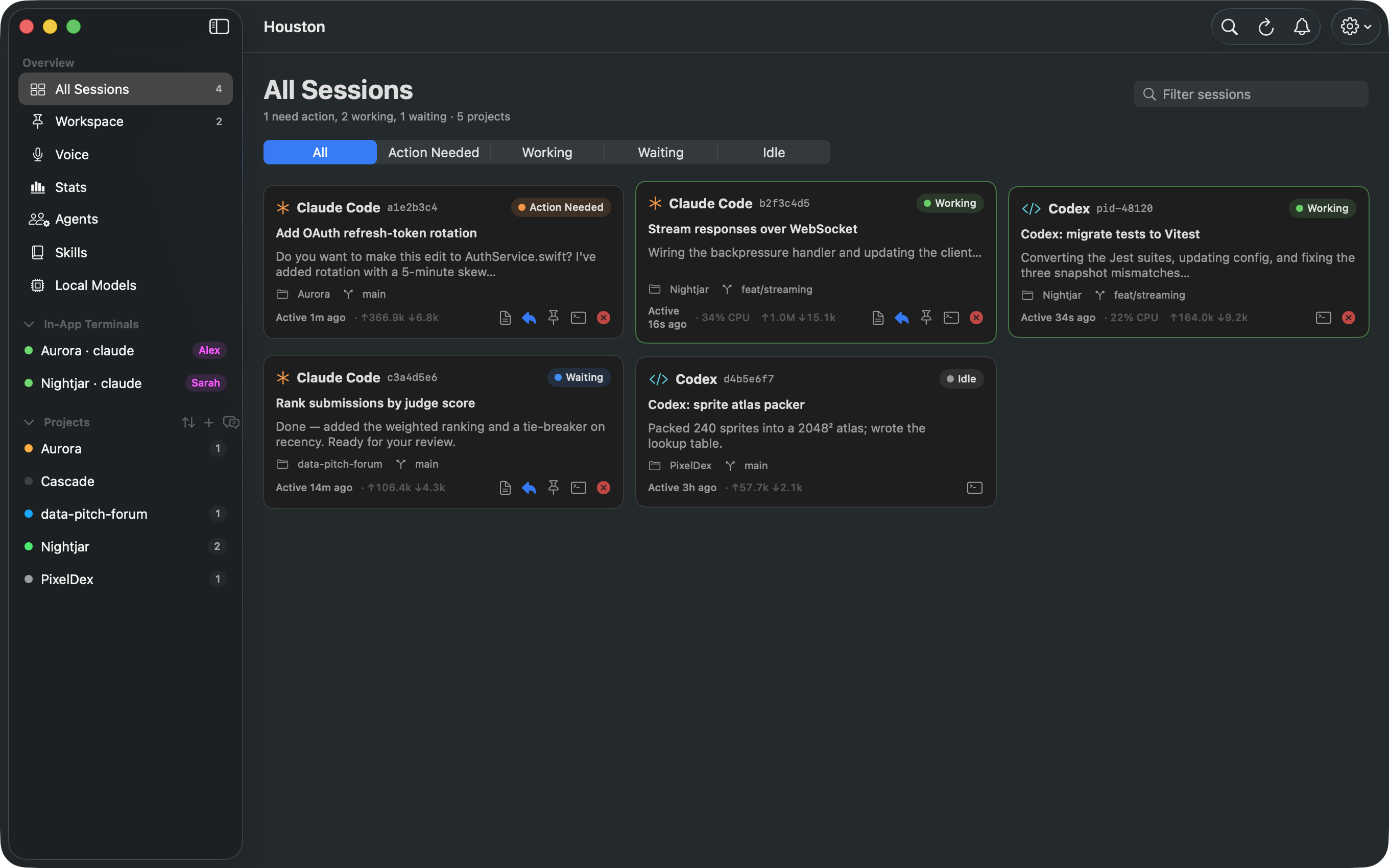
An agent is blocked on a question. Answer it from the card, the menu bar, or by voice.
The agent is mid-task. Live CPU and token counts on every card.
The agent replied and is idle. Review it when convenient.
A recent session with nothing running. Kept for context and transcripts.
No configuration and no wrappers. Houston watches the sessions you start in any terminal, then adds the tools you reach for next.
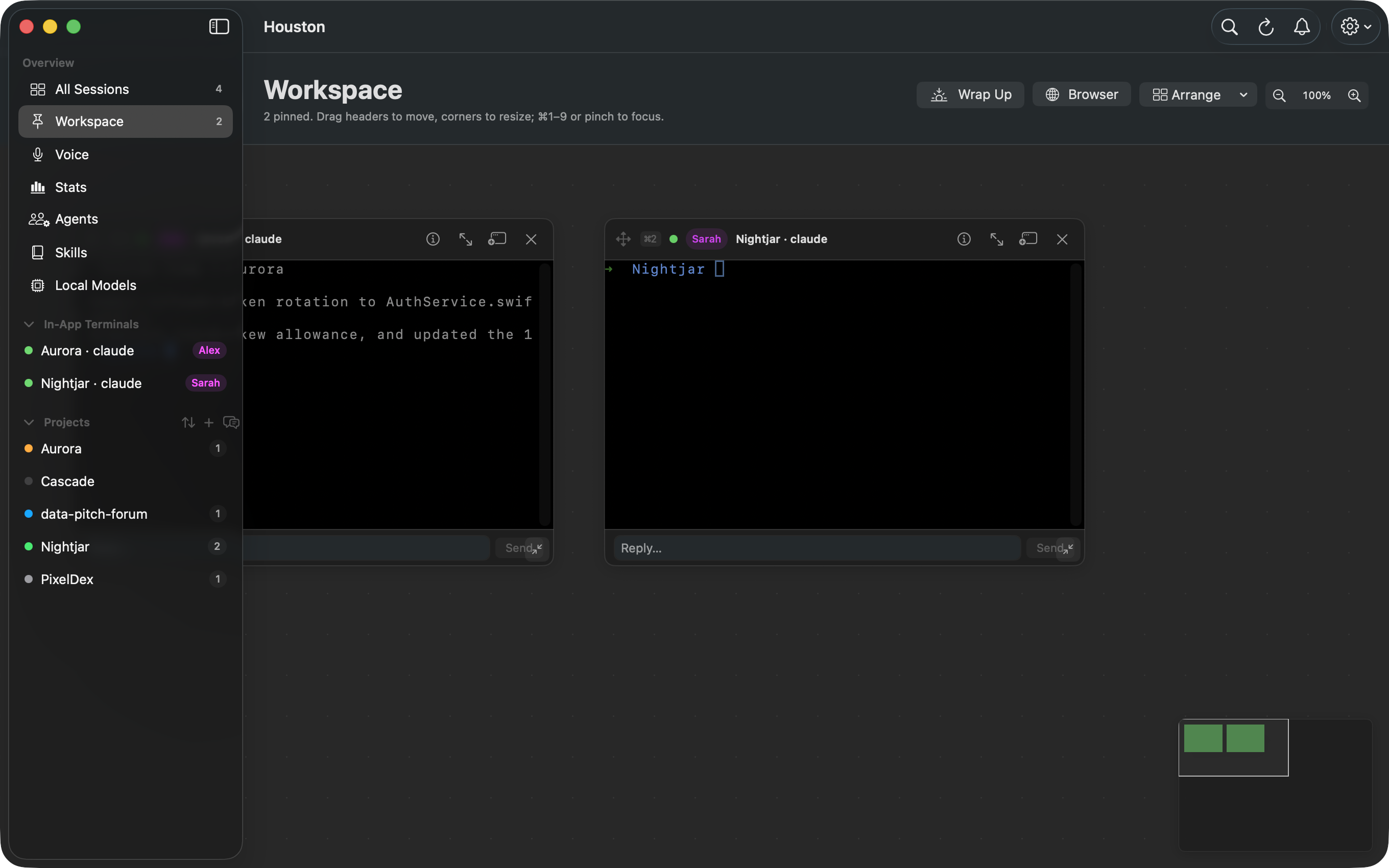
A tiled wall of live, pinned agent terminals. Drag to arrange, pinch to focus, reply inline, and wrap up the day in one click.
A usage dashboard computed from your local agent logs: tokens, sessions, streaks, and records.
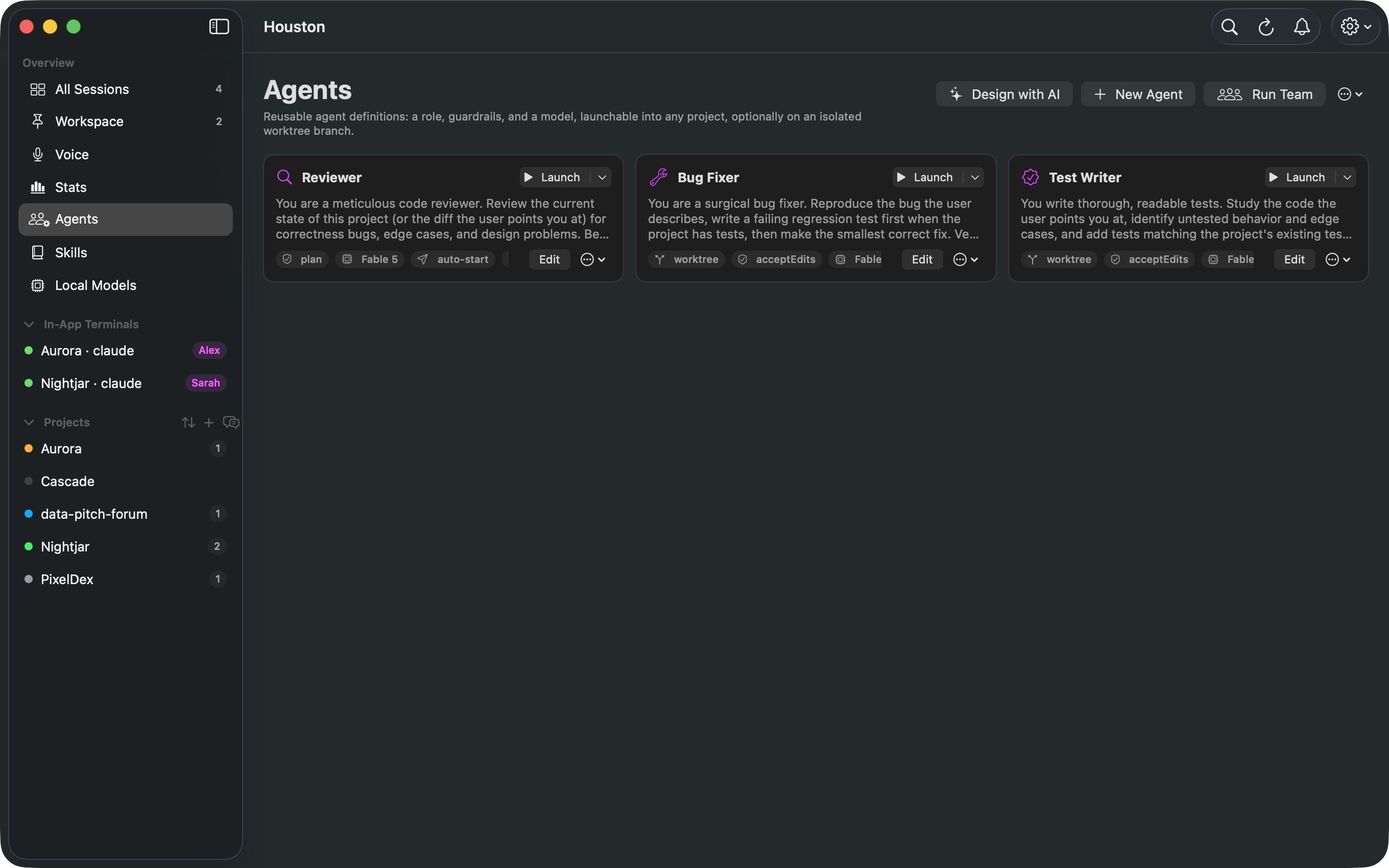
Reusable agent definitions with guardrails, launchable into any project, optionally on an isolated worktree.
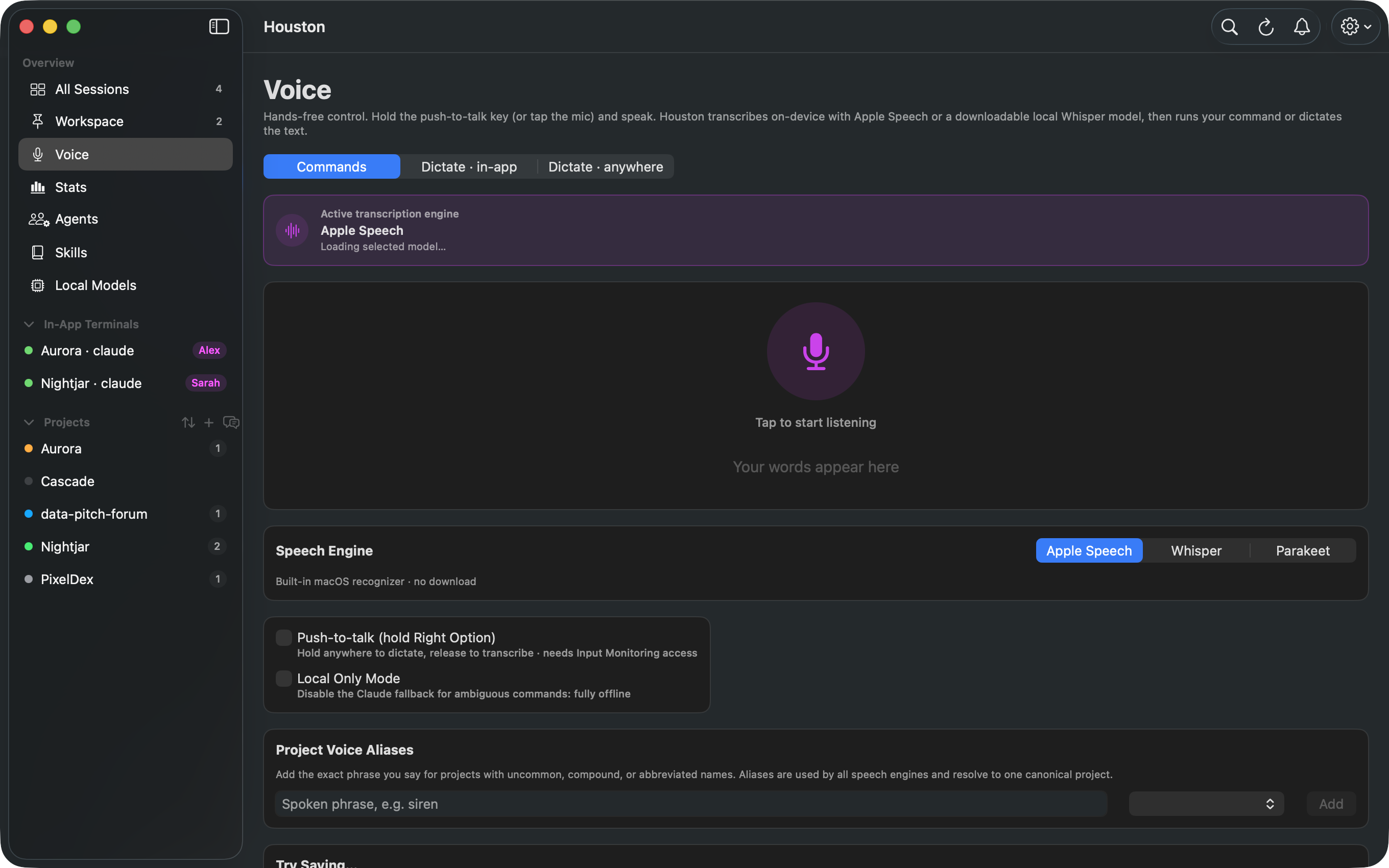
Push to talk, on-device transcription, and spoken commands that route to the right project.
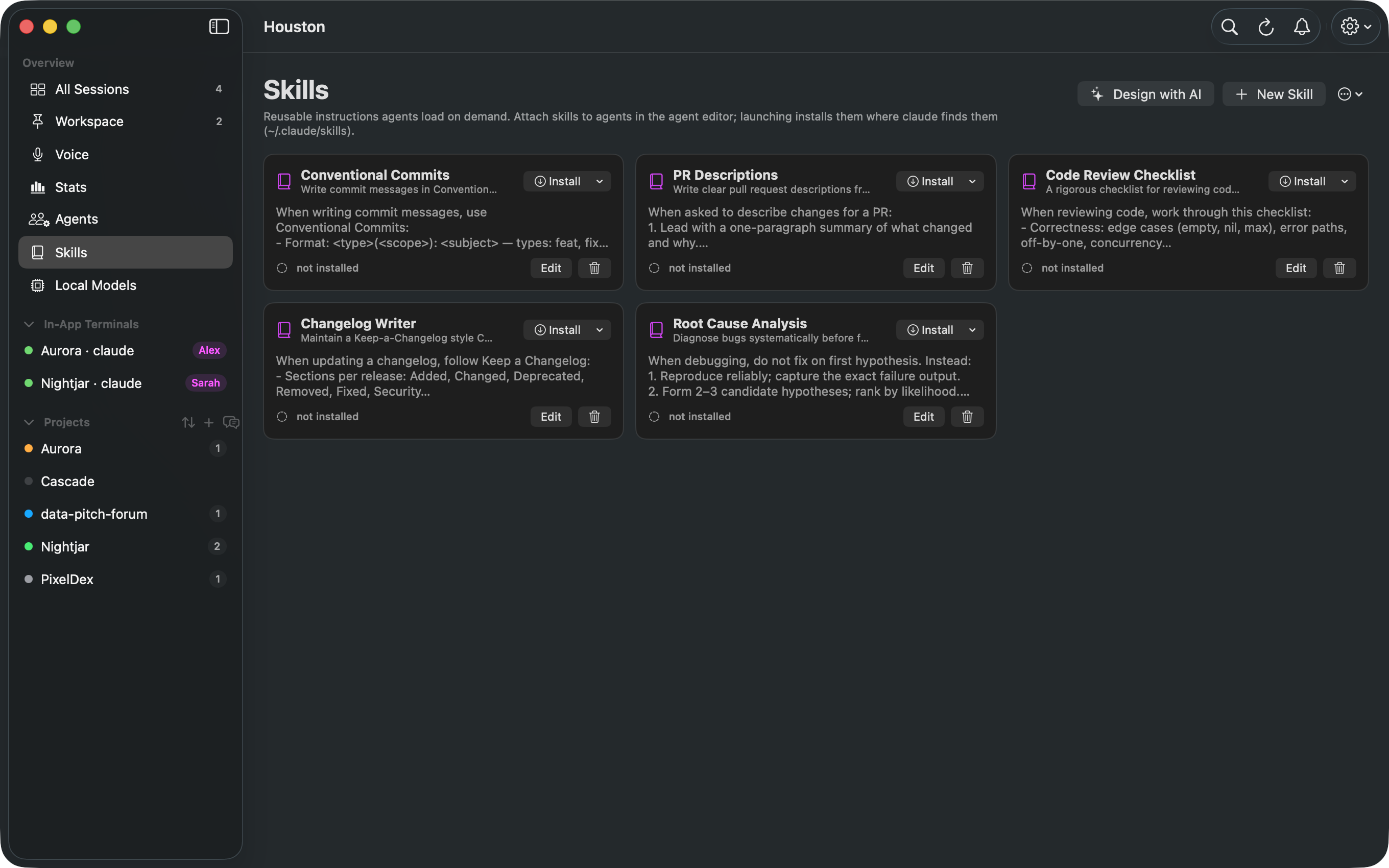
Reusable instructions agents load on demand. Write them once, attach them to agents, install them anywhere.
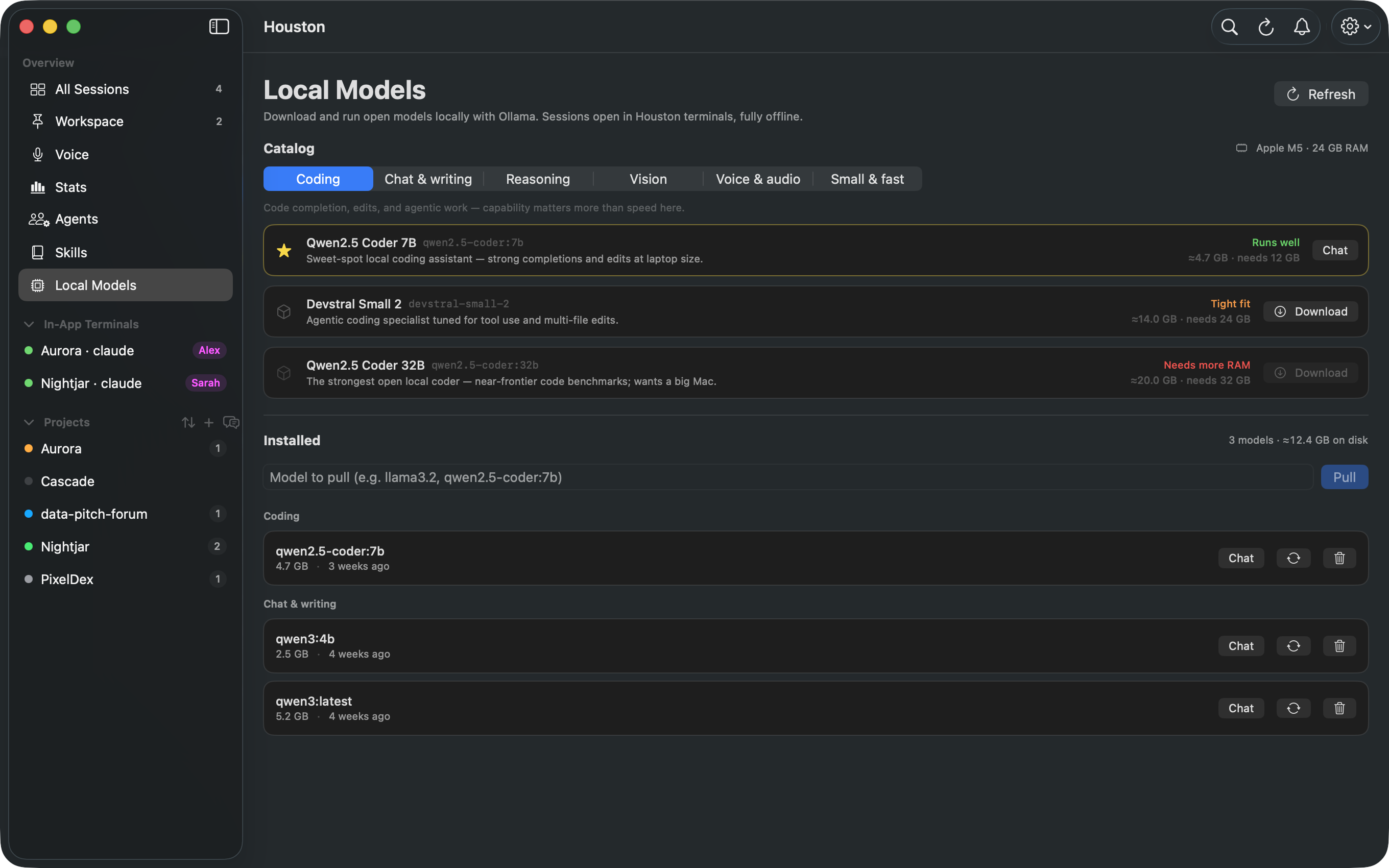
Download and run open models with Ollama. Fully offline chat sessions in Houston terminals.
No backend, no analytics, no accounts. Houston reads the local logs your agents already write. Network access exists only for opt-in SSH remote hosts, the optional Claude usage gauge, and a manual update check.
SwiftUI throughout. MIT licensed.
brew install kevin-j99/tap/houston

# or from source:
git clone https://github.com/Kevin-J99/Houston.git
cd Houston && swift run
Requires macOS 14 or later and the Xcode command line tools.
Downloads are signed and notarized. Try it safely with fictional data: swift run Houston --demo
The order is yours to change. Proposals and votes on the ideas board decide what ships next.
Houston is MIT licensed and takes feature votes. If your favorite tool does something Houston should do better, say so and upvote it.